Instant menu updates
The worst menu system is the one with a Publish button somebody forgot to press.
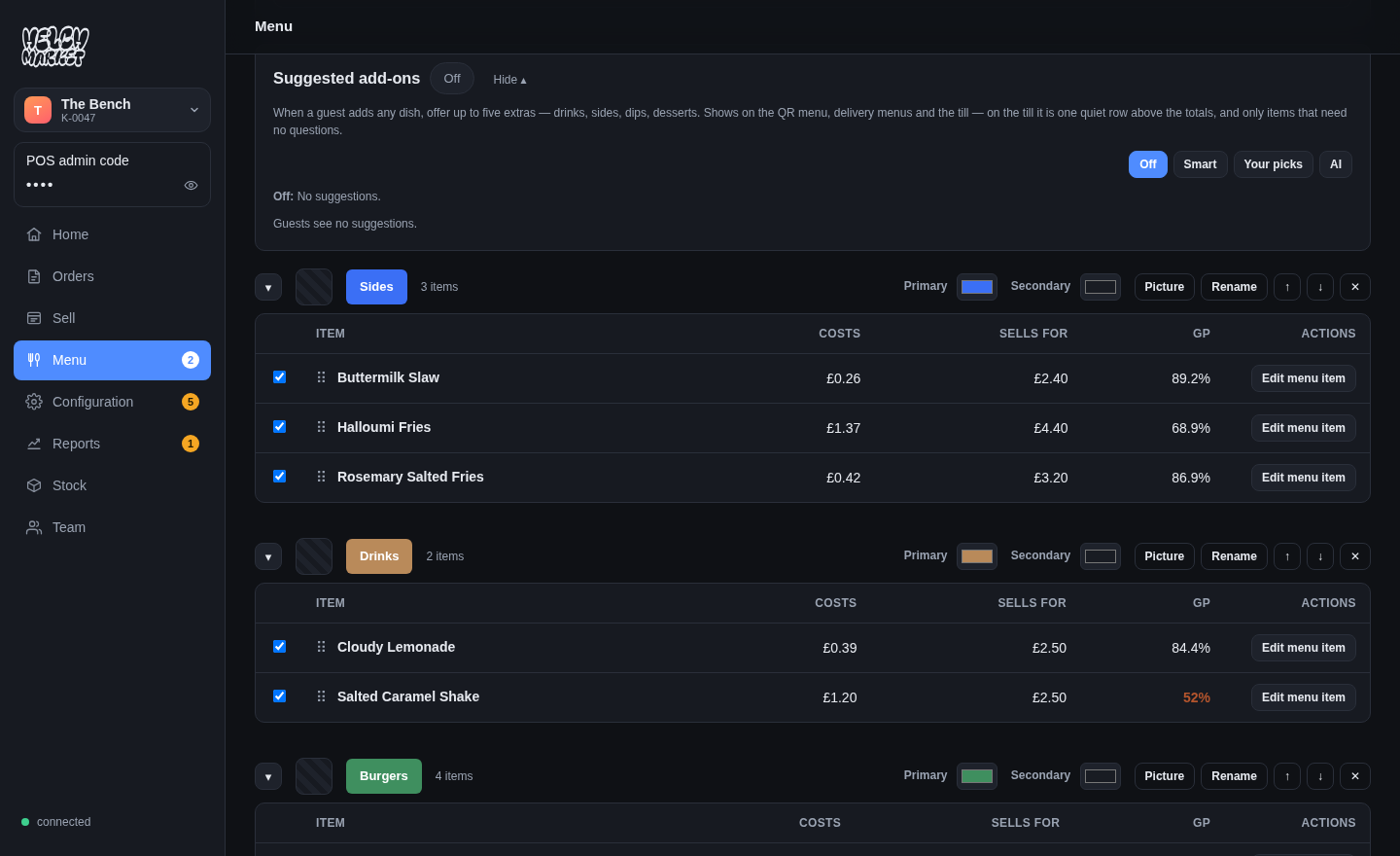
Real screenshots of the running product — the same screens you get, showing real data, not mock-ups.
What it does
There is no publish step. The QR menu, the till and the kitchen screen all read the same live rows, so a price edited in the back office is the price the next guest is charged — on every channel that has not deliberately overridden it.
Sold out means sold out
Marking a dish sold out takes it off the guest menu, greys it on the till and says so on the kitchen screen — and it stays off until somebody says otherwise or the rule you chose brings it back, rather than quietly reappearing at midnight because a counter reset.
Per channel where you want it
A dish can carry a different name, description, photograph and price on a delivery app than it does at the counter. Anything you leave blank is the same everywhere, which is what blank means — clearing a box removes the difference rather than storing an empty name.
Who may change it
The platform, the food hall, the vendor’s manager and the person on the terminal, in that order — and any of them can set and lock a setting so the level below cannot move it.
Free to use.
Every feature on this site is in the product now. The ones that are not built are named on the comparison page rather than left out.