A register that never makes you scroll.
One screen, scaled to whatever you put it on — a £120 tablet, an iPad, or a phone in an apron pocket.

This is the screen.
- One screen, any size. Below phone width it becomes a phone register with the same buttons.
- Cash, voucher and recorded card. Keep your own terminal and your own rates. Real split bills — equal, by item or by amount, a different tender each. Switch a tender off for one kitchen and it goes from that till’s payment screen and is refused by the server behind it.
- A bill in progress survives. Reload, drop the tablet, lose power — the sale is still there, kept on that device and nowhere else.
- Table service. Your actual floorplan on the till — the shapes and chairs you arranged, room by room. Tap a free table to start its bill, tap a seated one to pick it back up. Move a bill when the party moves; ask how many covers if you want the average spend per head. Any till at the venue can.
- Every change has a reason. Custom charges and counter discounts name why, and the reason is the line on the receipt and in the report.
- Scan a barcode, sell the item. Any USB keyboard-wedge scanner works with nothing to pair — a scanned barcode or a typed SKU drops the item straight on the bill.
- Tabs. Park a bill under a name, keep serving, and bring it back on any till at the venue to take payment. An open tab never hides — past twelve hours it shows its age in red, and closing the drawer names every tab still unpaid. A venue switch sends a parked tab straight to the kitchen screen and docket printer, so a bar tab’s food starts before the bill is paid — re-parking prints only what was added, and the paid bill picks up the same kitchen ticket rather than firing it twice.
- Printed receipts are a decision. Choose per venue whether a paper receipt follows your printer setup, is asked for each time, always prints, or never does — and the pay screen honours it, showing the answer and refusing to move where the venue has already decided. Turning paper off changes nothing else: the QR receipt, the emailed receipt and reprinting from Past Orders all still work.
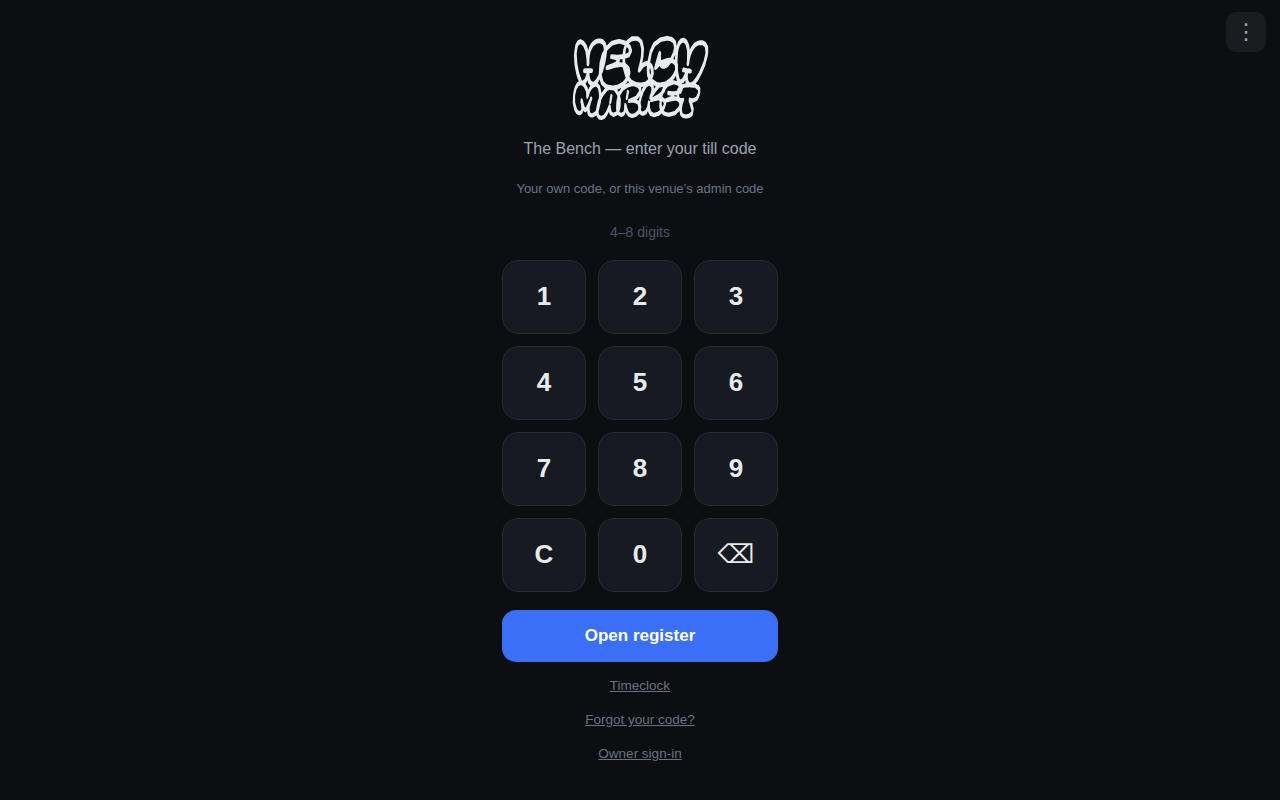
Staff sign in with a code.
- 4–8 digits, per person. No shared logins, so the till knows who rang what.
- Permissions per person. What each member of staff may do is set by their role, per venue.
- Cash up with a signature. A signed count is never edited — only followed by another beside it.
- A drawer more than £20 out says so. It reaches the owner’s home screen and the venue’s own, for a week, without anybody having to go and look.
Put it on the device in three taps.
There is no app store, because there is no app to approve. HelchPOS is a website that installs itself.
Open it
On the tablet or phone, go to pos.helchpos.com in Chrome or Safari. That is already a working till — you can stop here.
Or install it
Chrome: menu › Install app. iPhone or iPad: Share › Add to Home Screen. You get a HelchPOS icon, full screen, no browser bars.
It updates itself
No store review, no version anybody has to install. A fix we ship this morning is on your counter this morning.
Any Android tablet, any iPad, any phone in an apron pocket. If a device has a browser, it can be a till — which is also why a card terminal from another provider can run the till but not take the card: its reader belongs to whoever deployed it. What we suggest running it on →
The rest of the platform.
One system underneath — every page here is the same product. What it costs →
QR ordering
One code for a whole hall — one basket, one payment.
Read more →Kiosks
Self-service on any tablet or screen, same live menu.
Read more →Kitchen screens
Every order on one board, whatever channel it came from.
Read more →Payments & settlement
One payment across many kitchens, split to the penny.
Read more →Stock & margin
Recipes cost themselves; gross profit is a number, live.
Read more →Staff
Rota, clocking in, timesheets, holiday and contracts.
Read more →AI
Reads menus and contracts, drafts rotas, answers your numbers.
Read more →Try the till today.
It runs in the browser on hardware you already own — and installs to the home screen in three taps.
From the journal.
Notes from building this, written as it happened. All posts →
A till screen you never have to scroll
At a busy counter a scrollbar is a lost second, sometimes a wrong tap. The register fits any screen by scaling the layout to the glass, not by hiding half.
Read it → 3 September 2026The best new till is one your staff have already used
Casual staff turn over fast and arrive knowing the big tills. A register with the layout already in their hands needs no training, so ours copies the best.
Read it → 21 October 2026A typed zero added one, and the till said nothing
Type 0 then tap a dish and the till added one. A seventh digit vanished. 150% off took the whole bill. Three silent clamps, now three sentences.
Read it →