Multi-vendor ordering
A guest at a food hall wants tacos, a pint and a matcha. That is three counters, three queues and three card machines — or one basket.
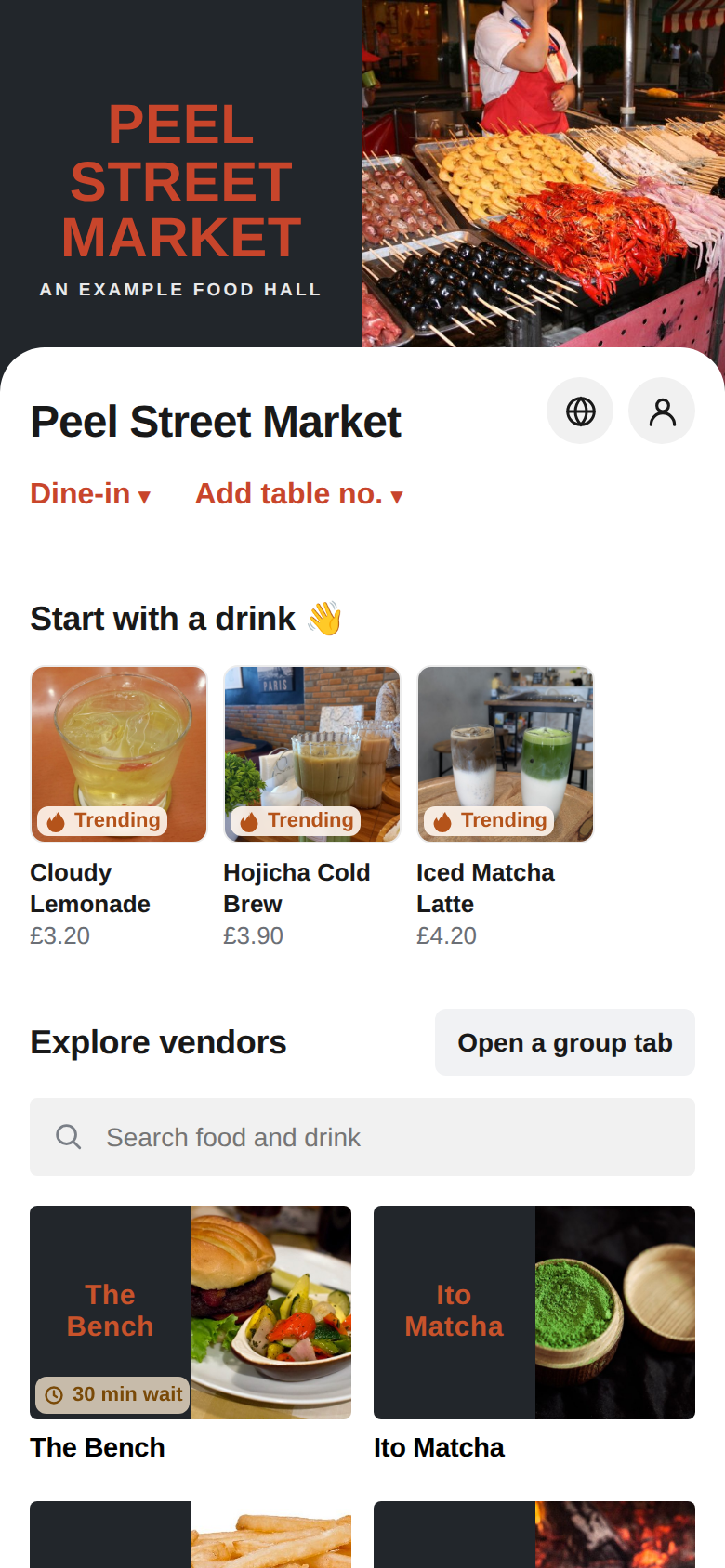
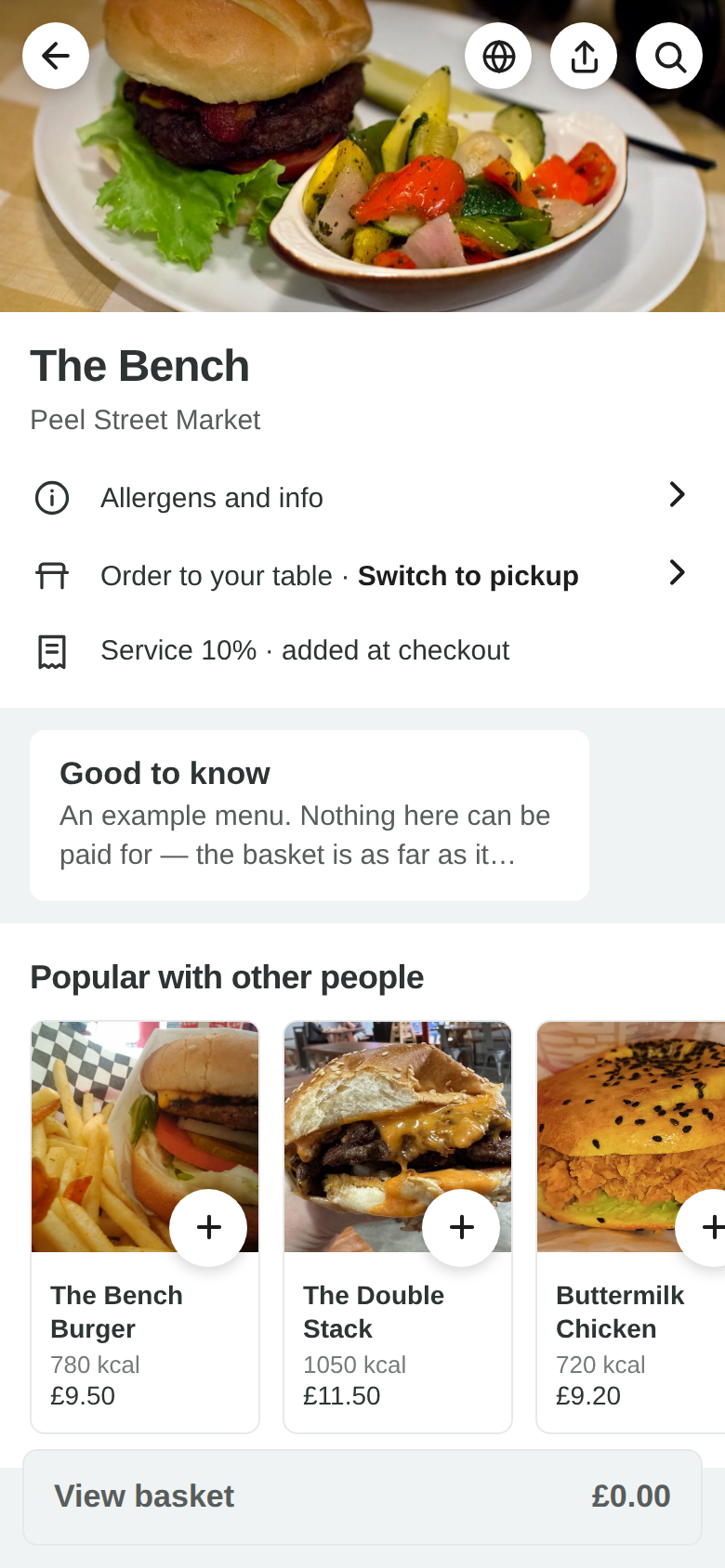
Real screenshots of the running product — the same screens you get, showing real data, not mock-ups.
What it does
One address shows every kitchen in the hall. A guest adds a taco from one, a pint from another and a dessert from a third, pays once, and each kitchen gets its own ticket on its own screen with its own wait time. The guest sees one order number.
Why it is built the way it is
Underneath, that basket becomes one ordinary order per kitchen rather than one order spanning several. Every report, refund, stock movement and COGS figure in this product is written per site and per order, and a multi-site order would have meant changing all of them — each one a place where one kitchen’s money could quietly land in another’s. Settlement is correct because of the shape, not because somebody was careful.
The arithmetic nobody sees
Three kitchens splitting a £10 basket discount is 334p, 333p and 333p — the odd penny goes to the share with the biggest remainder, then the larger share, then the first, deterministically, so a vendor can be told why. A refund comes out of the kitchen that was paid for it, never pro-rata. A tip follows the food, split by what each kitchen sold. Nothing is ever apportioned across a zero.
What a kitchen sees
Its own order, on its own pass, as if the guest had walked up to that counter. The hall can see every kitchen at once on the runner’s board and filter it to what is ready to carry.
Free to use.
Every feature on this site is in the product now. The ones that are not built are named on the comparison page rather than left out.